Clock sync
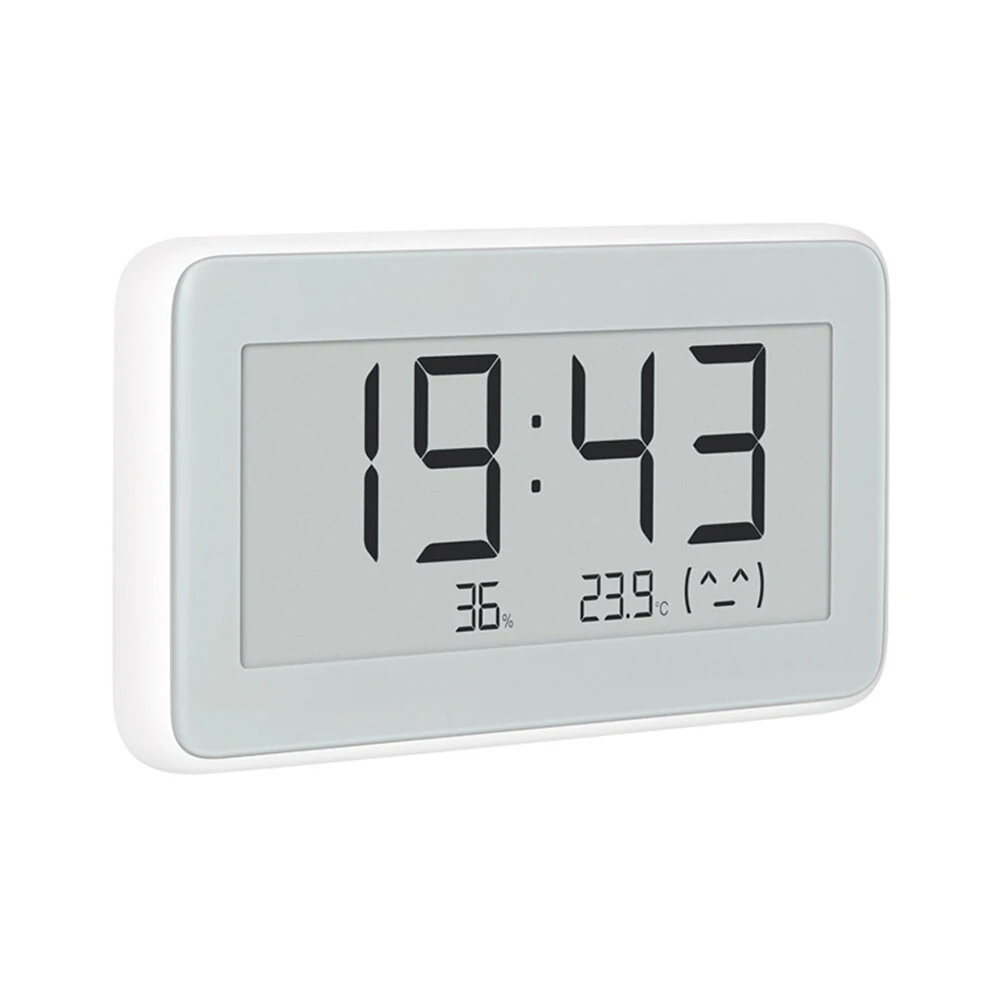
Time, time zone and units for Xiaomi LYWSD02 & LYWSD02MMC clocks
Clocks
No clocks yet
Add each of your clocks once. The browser only lets you pick one at a time.
Troubleshooting Missing clocks, Mi Home, factory reset
Not in the list?
The browser's list only shows LYWSD02 clocks. If yours is missing, pick it from all nearby devices.
Connected to something else?
Close the Mi Home / Xiaomi Home app and disconnect the clock from phones, hubs or Home Assistant. A clock that's connected elsewhere stops showing up.
Out of range?
Move closer to the clock and check its battery.
Set up in Mi Home?
That works too, but the clock doesn't broadcast its name, so it shows up as "Unknown or unsupported device".
Addresses don't match on a Mac?
Chrome on macOS makes up the addresses in its device list. The MAC shown here (and in Mi Home) is the real one.
Still stuck?
Factory reset the clock: remove the back cover and, while it's running, connect the Reset and Gnd metal points next to a battery with something metal (e.g. a paperclip) for more than 7 seconds. Delete it in Mi Home if it was set up there, then add it here again.